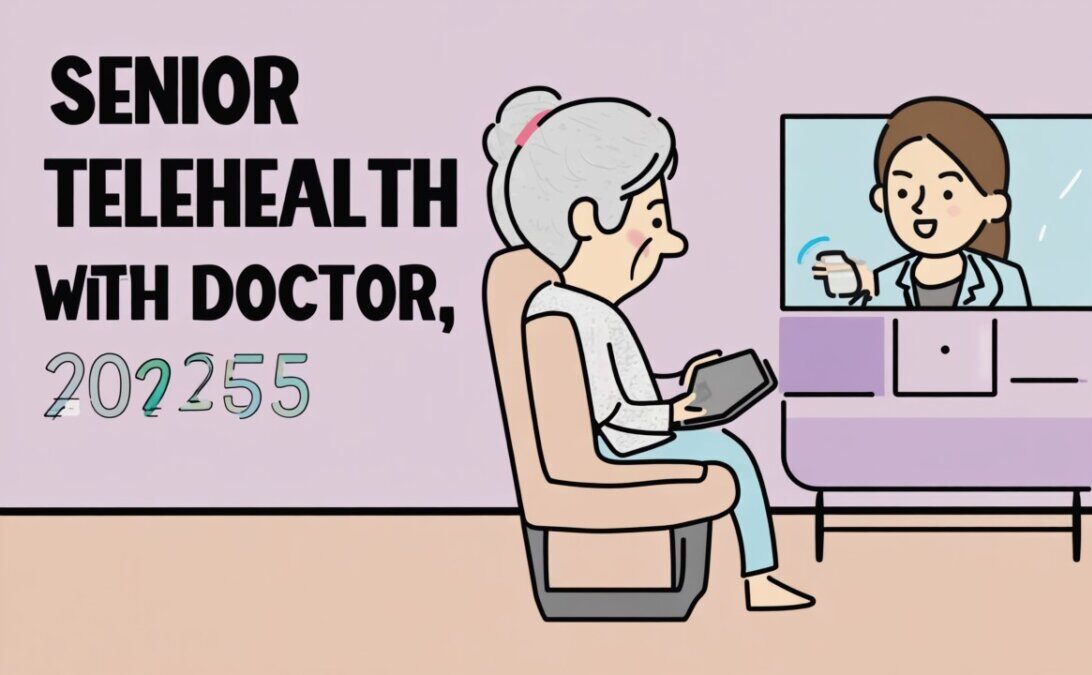
Explore the best telehealth platforms for seniors in 2025. Learn how virtual care makes healthcare more accessible, safe, and convenient for older adults.
Summary Audio Script
Doctor visits don’t always require leaving home anymore. In 2025, telehealth platforms are giving seniors easier access to healthcare—right from their tablets or phones. With features like medication reminders, virtual check-ups, and AI-powered symptom checks, these tools help older adults stay connected to care without the hassle of travel. In this article, we’ll explore the best senior-friendly telehealth platforms that prioritize safety, accessibility, and comfort. Whether you’re managing chronic conditions or need quick medical advice, telehealth can make life healthier and simpler.
Getting Started
Healthcare is changing rapidly, and for seniors, the shift toward telehealth is making a big difference. Instead of long trips to clinics or crowded waiting rooms, many appointments can now be handled from home. All that’s needed is a phone, tablet, or computer with internet access.
Telehealth platforms in 2025 are more advanced than ever, with AI-powered features that help detect issues, schedule visits, and keep track of prescriptions. These tools don’t replace doctors but make accessing care easier and more efficient.
In this article, we’ll review the top telehealth platforms available in 2025 that are designed with seniors in mind—simple, secure, and supportive.
How We Chose
We selected telehealth platforms for seniors using five key factors:
Ease of Use – Simple interfaces with large text and clear instructions.
Accessibility – Compatibility with smartphones, tablets, and voice assistants.
Price – Affordable consultations and insurance coverage.
Privacy & Security – HIPAA-compliant and data-protected platforms.
Availability – Nationwide or wide-reaching services with 24/7 access.
Seniors who want flexible video visits with a variety of specialists.
Pros
Large network of licensed doctors.
Compatible with Medicare and many insurance plans.
Easy-to-use video platform with 24/7 care.
Cons
Consultation costs vary without insurance.
Requires some comfort with technology setup.
Quick Start
Download the Amwell app or log in online.
Choose a doctor or specialist.
Start a video call at the scheduled time.
Case Example
Eleanor, 70, used Amwell to get a same-day dermatology consult for a skin rash, saving her a two-week wait for an in-person appointment.
3. MDLIVE
Best for
Seniors who want quick, affordable care for common health issues.
Pros
Flat fee for many visits.
Covers urgent care, dermatology, and behavioral health.
Available on smartphone or computer.
Cons
May not cover complex conditions.
Not all doctors available immediately.
Quick Start
Sign up for MDLIVE online.
Select a care category (urgent care, mental health, etc.).
Start a virtual session with a doctor.
Case Example
Margaret, 72, used MDLIVE to speak with a doctor about her seasonal allergies without leaving home.
4. Doctor on Demand (Included Health)
Best for
Seniors who value mental health support in addition to medical care.
Pros
Strong focus on mental health and counseling.
Doctors available 24/7 for urgent care.
Accepts many Medicare Advantage plans.
Cons
Higher out-of-pocket costs without insurance.
Limited specialty care compared to other platforms.
Quick Start
Download Doctor on Demand app.
Enter insurance or payment details.
Connect with a licensed doctor or counselor.
Case Example
George, 69, appreciated being able to access a counselor virtually after losing his spouse, without the stress of in-person visits.
5. Mayo Clinic Express Care Online
Best for
Seniors who prefer a trusted medical institution for virtual care.
Pros
Backed by Mayo Clinic’s medical expertise.
Provides AI-assisted symptom checkers.
Secure platform with strong privacy protections.
Cons
Limited availability outside Mayo Clinic’s network.
Not all conditions can be treated virtually.
Quick Start
Visit Mayo Clinic’s Express Care Online portal.
Answer symptom questions using AI assistant.
Connect with a Mayo Clinic provider.
Case Example
Linda, 75, relied on Mayo Clinic’s telehealth service for follow-up visits after surgery, saving multiple long trips.
Bonus Tips for Seniors Using Telehealth in 2025
Test Technology Beforehand – Make sure your camera and microphone work before the appointment.
Keep Medications Nearby – Have pill bottles ready to review with your doctor.
Use a Quiet Room – Ensures better communication during calls.
Ask for Family Help – Adult children or caregivers can help set up the app.
Review Insurance Coverage – Confirm your telehealth visits are covered to reduce out-of-pocket costs.
FAQ
Q1: Is telehealth covered by Medicare in 2025? Yes, many Medicare Advantage and supplemental plans cover telehealth visits, though coverage may vary by provider.
Q2: Are telehealth appointments secure? Yes, reputable platforms are HIPAA-compliant and use encryption to protect patient privacy.
Q3: What equipment do seniors need for telehealth? A smartphone, tablet, or computer with a camera and internet connection is usually enough.
Q4: Can telehealth replace in-person doctor visits? Not entirely. Telehealth is excellent for routine care and check-ups, but emergencies and some conditions still require in-person visits.
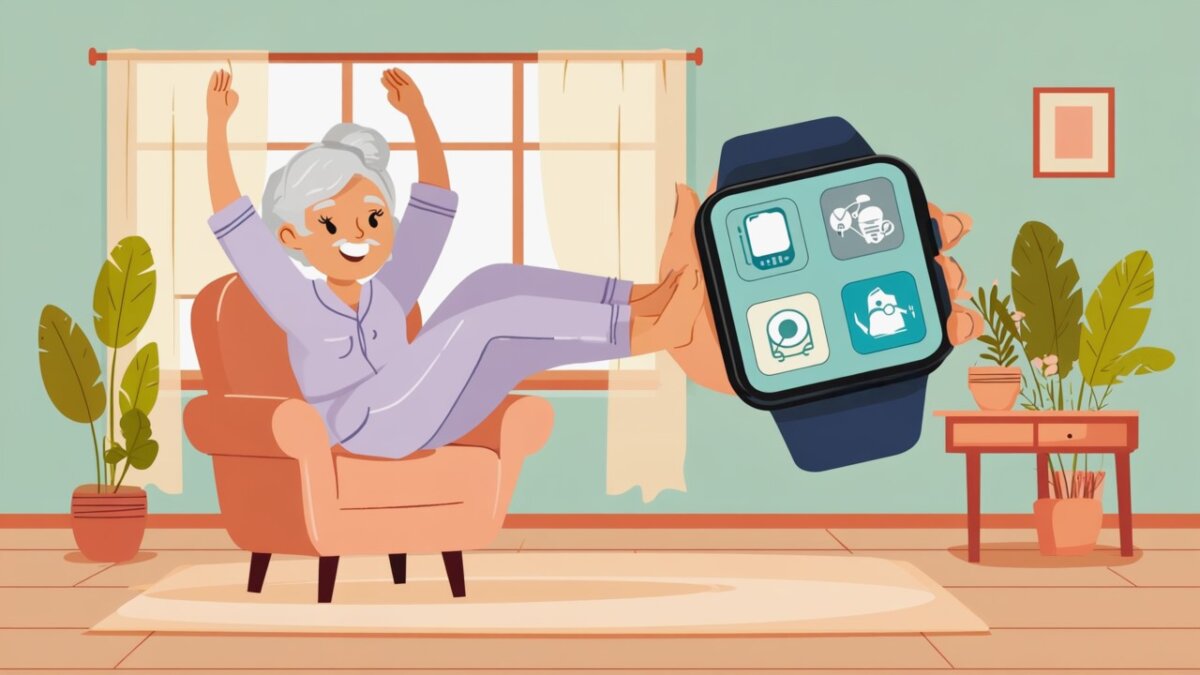
Start 2025 right: simple, senior-friendly AI wellness routines for mornings—meds, vitals, movement, and calm. Practical steps, trusted tools, and safety tips.
Summary Audio Script
Hi! In this episode, we’ll walk through calm, senior-friendly AI routines that help you wake up rested, take your meds on time, check key vitals, and move safely—without tech overwhelm. You’ll discover which apps are easiest, how to set up smart reminders, and gentle ways to stretch or breathe with confidence. Think of it as a friendly companion putting wellness on “auto-pilot” while you enjoy the best part of your day.
Getting Started: Why Morning AI Routines Help Seniors Thrive
Mornings set the tone for your day. A steady routine can make it easier to take medications on time, get your body moving safely, and feel less rushed. Artificial intelligence (AI) may sound complicated, but today’s tools are designed to be friendly and low effort. They can suggest the right activity at the right time, learn your preferences, and even remind you—politely—when something important is due.
In this guide, we’ll show you how to build a simple, reliable morning routine with AI that takes about 15–25 minutes. You’ll learn how to: (1) confirm medications, (2) check key vitals or symptoms, (3) hydrate and stretch, (4) add a short breathing or mindfulness practice, and (5) log your progress. We’ll highlight easy apps and devices, step-by-step setup, and safety tips. We’ll also share real-life examples and trusted resources so you feel confident trying new things at your own pace. Whether you’re brand-new to technology or you already wear a smartwatch, you can start with one tool and grow from there. Small steps, done consistently, may add up to a steadier mood, better mobility, and greater independence.
[See also: Related Article — “Gentle 10-Minute Chair Yoga for Seniors”]
How We Chose: Senior-Friendly Criteria That Matter in 2025
1) Ease of Use (Plain Language, Big Buttons, Voice Help)
We prioritized apps and devices that keep screens uncluttered, with large text and clear icons. Voice assistants are a plus, letting you ask for reminders or start a routine hands-free. We also favored tools that guide you step-by-step and avoid jargon.
Accessibility features—adjustable font sizes, high-contrast colors, captions, and haptic feedback—make daily wellness smoother. We looked for tools that offer on-wrist vibrations, spoken prompts, and one-tap actions for people with limited dexterity or vision.
3) Price (Free Tiers, Senior Value)
Costs can add up. We highlight options with free plans or modest subscriptions and explain what you truly gain at each level. When hardware is involved, we note whether lower-cost alternatives exist and how to get value without paying for features you won’t use.
4) Privacy & Security (Data You Control)
Health information is personal. We prefer tools that explain clearly what is collected and offer settings to limit sharing. Wherever possible, turn on a device PIN, use strong passwords, and review data-sharing options so you keep control.
5) Availability (Widely Supported in 2025)
We focused on tools that work across common phones (iPhone and Android) and are available in many regions. Good customer support and active updates are important so you’re not left behind as technology evolves.
The Morning Stack: 5 Senior-Friendly AI Tools to Build a Calm Routine
Your goal: Pick one tool to start. Add more only when you feel ready.
1) Apple Watch + Apple Health (iPhone)
Best for: iPhone users who want a gentle, on-wrist guide. Apple Watch can nudge you to take medications, breathe, stand, or stretch, and it can surface morning “Smart Stack” cards with what’s most useful now. Fall detection and irregular rhythm notifications may add peace of mind for active seniors.
Pros:
On-wrist haptics and large complications make prompts hard to miss without being loud.
Apple Health centralizes meds, vitals, sleep, and activity so your morning view is simple.
Voice with Siri helps you start a routine hands-free—“Start my morning stretch” or “What meds now?”
Cons:
Requires iPhone; watch models vary in price.
Some features work best after a few days of wear as the system learns your patterns.
Too many notifications can feel noisy if you don’t adjust settings.
Quick Start:
On iPhone, open Health → Browse → Medications; add your meds and schedule.
In the Watch app, customize Complications (big, readable options like Meds, Activity, Breathe).
Create a Focus or Smart Stack for mornings: include Medications, Hydration, Mindfulness, Weather.
Say: “Siri, remind me to stretch at 8 a.m.” and “Log water 8 oz.”
Try the Mindfulness app for 3 minutes of breathing after meds.
Case Example: Evelyn, 72, keeps forgetting her thyroid pill. Her Apple Watch taps her wrist at 7:30 a.m., shows her Medications card, and logs it when she confirms. She follows with a 5-minute Breathe session, then a gentle stand reminder to walk to the kitchen for water.
2) Fitbit App + Google Assistant Routines (Android & iOS)
Best for: Seniors who want a simple step goal, sleep insights, and voice-driven routines. Fitbit’s daily readiness-style nudges (availability varies by model/plan) can help you choose a lighter or more active morning. Google Assistant can chain tasks—weather, reminders, a 5-minute stretch video—to run with one command.
Pros:
Friendly dashboard: steps, sleep, heart rate at a glance.
Works with both Android and iPhone; many affordable tracker options.
Voice routines can start a music playlist, tell you the day’s meds, and open a stretch guide.
Cons:
Advanced metrics may require a subscription; not all trackers have the same sensors.
If you dislike wearing a band at night, sleep insights are limited.
App layout updates can briefly change where things are.
Quick Start:
Install Fitbit and pair your device; set a calm step goal (e.g., 3,000–5,000).
In Google Assistant, create a “Good Morning” routine: announce time, today’s meds, weather; play a stretching video; set “hydrate now” reminder.
Enable Notifications for meds and movement.
Use Tiles/Shortcuts to log water with one tap.
Case Example: Luis, 68, says “Good morning” to his phone. Assistant confirms his blood pressure pill, shares the weather, and starts a 5-minute chair stretch video. Fitbit records his heart rate, and he logs 8 oz of water before breakfast.
3) Medisafe (Medication + Smart Reminders)
Best for: Anyone who needs reliable, easy medication management with clear visuals and optional family alerts. Medisafe’s AI-style “Medtones” and smart reminders adapt to when you usually respond, helping reduce missed doses.
Pros:
Big pill icons, color coding, and simple “I took it” buttons.
Optional Medfriend feature can notify a loved one if a dose is missed.
Refill reminders may prevent gaps in treatment.
Cons:
Free version is strong; premium adds custom themes and more insights if you want them.
If schedules change frequently, you’ll need to update times.
Alerts can feel repetitive unless you fine-tune snooze intervals.
Quick Start:
Download Medisafe; add each medication, dose, and time (e.g., levothyroxine 7:30 a.m.).
Turn on Snooze and choose a friendly voice tone.
Invite a Medfriend (optional).
Enable Refill Reminders and Notes to log how you feel.
Case Example: Ruth, 76, manages three morning medications. Medisafe pings her at 8 a.m.; she confirms each pill and adds a note: “No dizziness.” If she forgets, her daughter receives a gentle message to check in.
4) Calm or Headspace (Mindfulness + Guided Breathing)
Best for: A 3–7 minute mental warm-up to steady mood and focus. Both apps include short breathing, beginner meditations, and sleep-adjacent content. Newer, AI-assisted recommendations can surface shorter sessions that match your morning energy.
Pros:
Short, soothing sessions with captions and adjustable background sounds.
Daily programs designed for consistency; favorites make it one-tap easy.
Can pair with wearables to note heart rate before/after (model-dependent).
Cons:
Subscription cost after free trial; check senior discounts or family plans.
Too many choices can be overwhelming—save 2–3 favorites and ignore the rest.
Requires headphones or a quiet space to feel effective.
Quick Start:
Open Calm or Headspace; search “morning” or “breathe” and save two favorites (3 and 5 minutes).
Add a Home-screen widget for one-tap start.
Schedule a daily reminder right after meds or water.
Optional: pair with your watch to see heart rate trends.
Case Example: George, 70, uses a 3-minute “Morning Reset” after logging meds. He feels less tense and notices steadier breathing during breakfast.
Best for: Seniors who like simple, reliable hardware for weight, blood pressure, and activity with a clean app. AI-style insights highlight trends and prompt short actions—like a hydration nudge or a 5-minute stroll—based on your morning measurements.
Pros:
One-tap syncing from Wi-Fi scale and BP monitor; large, readable displays.
Clear trend lines with weekly summaries you can share with a clinician.
Battery-friendly devices; you don’t need to charge daily.
Cons:
Hardware cost upfront; choose essentials (scale or BP) to start.
Don’t over-measure—daily BP checks can cause worry; follow your clinician’s guidance.
Exporting data requires a few taps; practice once to remember.
Quick Start:
Pair the Withings scale/BP monitor with the Health Mate app.
In Reminders, set “Weigh in (optional)” or “BP check” for the mornings your clinician recommends.
Enable Weekly Report emails for easy sharing.
Add a Hydration card to log water with a tap.
Case Example: Anita, 74, weighs in on Monday/Thursday only. When her weight trends up, Health Mate suggests a morning walk and extra water. She appreciates the nudge without daily pressure.
Your 15–25 Minute AI Morning: A Gentle Template (2025)
Wake & Hydrate (2 min): Sip 8–12 oz of water.
Medications (2–5 min): Confirm doses in Medisafe or Apple/Google Health.
Vitals Check (2–4 min): As advised by your clinician—BP, heart rate, or weight on Withings (or skip if not needed).
Move & Stretch (5–8 min): Chair stretches or a short guided routine via Apple Watch/Google Assistant.
Calm Mind (3–5 min): Breathe or quick meditation in Calm/Headspace.
Log & Plan (1–2 min): Mark what you completed; set one small goal (e.g., 10-minute walk later).
[See also: Related Article — “How to Share Health Data Safely With Family”]
Bonus Tips: Make It Stick Without Overwhelm
Start with one anchor. Choose the easiest piece—often medications or water—and attach everything else after it.
Use voice everywhere. “Hey Siri/Google, start my morning routine” reduces taps and strain.
Quiet the noise. Turn off non-essential notifications so only your morning nudges come through.
Print a cheat card. Write your 6 steps and place it by the kettle; check off with a pen for the first two weeks.
Review weekly. If something feels annoying, shorten it. Consistency beats perfection.
Share kindly. If you have a caregiver, ask them to join your routine once a week; gentle accountability helps.
Evidence & Trusted Resources (External)
Mayo Clinic—older-adult exercise and fall-prevention guidance; routines may improve balance and mood.
CDC—physical activity recommendations for older adults; hydration basics.
National Institute on Aging (NIA/NIH)—safe strength, flexibility, and medication management tips.
We avoid medical claims. Always ask your clinician which measurements fit your situation.
FAQs
1) How long should a morning AI wellness routine take for seniors?
Most people do well with 15–25 minutes. The key is consistency, not length. A short routine that includes medication confirmation, a vital if recommended by your clinician, gentle movement, and 3 minutes of breathing may help you feel steady for the day. If you’re just starting, try 10 minutes and add more as it feels natural.
2) I’m not “tech-savvy.” Which single tool should I start with?
Begin with the tool that solves your biggest pain point. If medications are tricky, Medisafe is a friendly first step. If you already wear a watch, use its built-in morning cards and a 3-minute breathing session. Practice one action daily for two weeks before adding anything else.
3) Do I need to measure blood pressure every morning?
Not everyone needs daily measurements. According to experts, frequency depends on your health plan. Some people check BP a few mornings per week, while others check only during medication changes or when symptoms appear. Ask your clinician what’s right for you, and let the app remind you on those specific days.
4) How do I keep my data private?
Use a phone passcode or biometric lock, set a watch passcode, and review sharing settings in each app. Turn off any community or social features you don’t need. Export health reports only to trusted recipients, and periodically clean up apps you no longer use.
5) What if I miss a step?
No problem—just pick up where you are. These routines are guides, not rules. If you miss a medication reminder, follow your clinician’s instructions (some meds allow a later dose; others do not). The goal is a kind rhythm that supports your day, not perfection.
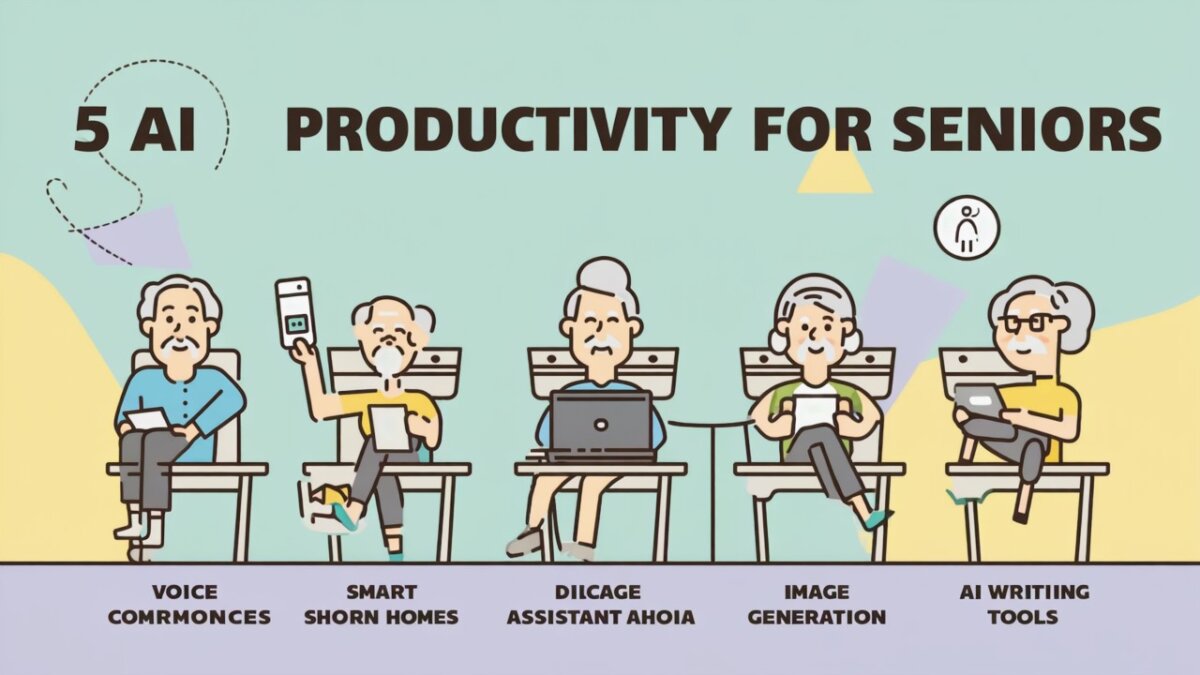
Staying productive doesn’t mean doing more — it means doing smarter. Thanks to AI, seniors in 2025 have powerful tools at their fingertips to simplify daily life, manage tasks, and stay sharp. Here are five AI productivity hacks every older adult should try to make life easier, healthier, and more enjoyable.
1. Use ChatGPT as Your Personal Task Assistant
Forget paper to-do lists. Simply ask ChatGPT, “Help me plan my day” or “Make a shopping list for dinner.” You can even have it organize appointments or remind you of important dates. It’s like having a free secretary — no typing skills required.
Try This:
“Remind me to water my plants every Tuesday.”
“Plan a weekly meal for two seniors with low-sodium diet.”
2. Automate Medication Reminders with Medisafe
Managing medications is easier with AI-based apps like Medisafe. Set it once, and it will send friendly alerts when it’s time to take your pills. Caregivers can also receive alerts if something is missed.
Bonus Tip:
Link Medisafe with your phone calendar or smart speaker for added convenience.
3. Dictate Instead of Type with Otter.ai
If typing is tiring or difficult, try Otter.ai — an AI voice transcription app. You speak, and it writes everything down. Perfect for writing journals, notes, or recording doctor visits.
Use Cases:
Record and transcribe conversations with your doctor
Dictate family memories or stories for grandchildren
4. Simplify Online Searches with Google Assistant
Looking something up? Don’t type — just ask. “Hey Google, how do I grow tomatoes?” or “What’s on my calendar today?” Google Assistant can also send texts, read the news, or make calls — all hands-free.
Senior-Friendly Features:
Voice-activated help
Simple commands, no menus
5. Use AI Journaling Tools to Track Habits & Wellness
Apps like Reflectly and Journey use AI to help you track moods, set goals, and reflect daily. Even just 5 minutes of journaling can boost focus and emotional health — especially with AI prompting you with questions like “What made you smile today?”
Why It Works:
Consistency is easier with AI reminders, prompts, and mood analysis.
Final Thoughts: Productivity, the Smart Way
Being productive isn’t about being busy — it’s about feeling accomplished, focused, and in control. These AI tools empower seniors to live independently, stay organized, and enjoy their time more fully. In 2025, a smarter lifestyle is just a click — or a voice command — away.
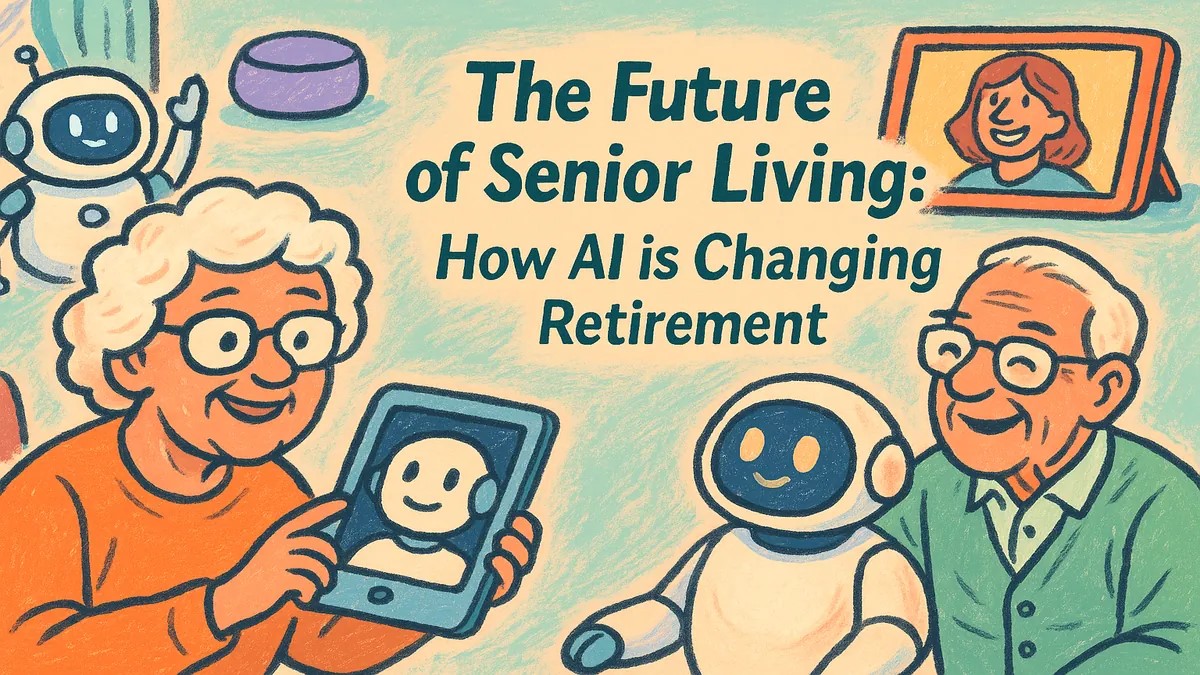
Retirement used to mean slowing down. Today, it means leveling up — thanks to artificial intelligence (AI). From smart homes to digital companions, AI is transforming how older adults live, stay healthy, and stay connected. This article explores the future of senior living and how AI is helping retirees live better, longer, and more independently than ever before.
1. What AI Means for Retirees
AI refers to smart technology that can learn, adapt, and help with daily tasks. It powers everything from voice assistants to health-monitoring devices. For seniors, AI means less stress, more freedom, and better quality of life.
2. AI-Powered Smart Homes
Voice-Controlled Lights & Thermostats: Say “Turn on the lights” or “Make it warmer”
Fall Detection Sensors: Alert family or emergency services instantly
These technologies help older adults live safely at home — even alone — longer than ever before.
3. Digital Companions and Mental Wellness
AI chatbots like Replika and robots like ElliQ offer conversation, memory games, and emotional support. These tools help reduce loneliness, stimulate the brain, and offer daily structure — especially important for seniors living alone.
4. Personalized Healthcare with AI
AI in health apps now tracks your blood pressure, medication schedule, and sleep. Smartwatches can detect irregular heartbeats, while apps like Medisafe and Apple Health send personalized alerts and wellness suggestions. AI can even remind you to drink water or go for a walk!
5. AI for Lifelong Learning
Curious retirees are using AI-powered tools like ChatGPT and Duolingo to explore new hobbies, write life stories, learn languages, and stay mentally active — all from their living room.
6. Financial Safety & Assistance
AI tools can detect suspicious bank activity or phishing attempts, helping protect retirees from scams. Budgeting apps now include AI advisors that help track spending and plan for long-term care costs.
7. Community Connection Through Technology
From virtual senior centers to AI-assisted video calling, retirees can stay socially engaged. Smart displays like Alexa Echo Show make it easy to join book clubs, attend church services, or video chat with grandchildren — all by voice command.
8. Real Stories of AI in Senior Living
John, 73: Lives independently with a smart home system that monitors safety and controls appliances.
Alice, 78: Uses ChatGPT daily to write memoirs and email her family.
Leo, 69: Practices Spanish every morning with Duolingo AI and joins online classes.
9. The Future Outlook: Aging with AI
The future of retirement isn’t passive — it’s empowered. AI will continue to evolve, offering even smarter tools for transportation, caregiving, home design, and emotional wellbeing. Expect senior living communities to integrate AI fully within the next 5–10 years.
Conclusion: Aging Smarter, Not Slower
AI is not just about convenience — it’s about possibility. From enhancing independence to extending wellness, AI is rewriting the retirement story. Seniors now have more tools than ever to shape their own futures, stay safe, and live richly. The future is here — and it’s smarter, safer, and more connected than we ever imagined.
Are you curious about ChatGPT but unsure how to get started? Don’t worry — this beginner-friendly guide is designed just for seniors. Whether you want help writing, learning, chatting, or simply staying organized, ChatGPT can be your friendly digital assistant. Let’s walk through it step by step.
What is ChatGPT?
ChatGPT is an AI chatbot that understands your questions and responds like a helpful friend. You can ask it to write messages, answer questions, create recipes, tell stories, and more — just by typing or speaking.
Why Seniors Love ChatGPT
It’s easy to use: No complicated setup
It’s helpful every day: Get reminders, summaries, or even jokes
It’s free to try: No app needed, just an internet connection
It’s like talking to someone smart and friendly 24/7
Click “Sign Up” and enter your email address. You’ll also choose a password. You can also sign in with Google or Microsoft if you prefer.
Step 3: Start a New Chat
Once logged in, you’ll see a box that says “Send a message.” Type anything like “Hello!” or “What can you do?” — and ChatGPT will respond.
Step 4: Try These Easy Prompts
“Remind me to take my medicine at 9 AM.”
“Tell me a joke about cats.”
“Write a short message to thank my neighbor.”
“Help me plan a simple dinner for 2.”
Step 5: Explore More Fun Uses
Learn: “Explain arthritis in simple terms.”
Create: “Help me write a poem for my granddaughter.”
Play: “Let’s play a trivia quiz.”
Relax: “Tell me a relaxing bedtime story.”
Tips for Making the Most of ChatGPT
Talk to it like you would a helpful assistant.
Be specific in your questions for better answers.
No need to be perfect — ChatGPT understands natural language.
Ask follow-up questions — it’s always ready to help.
Safety Tips for Seniors Using ChatGPT
Never share personal info: Avoid giving passwords, bank details, or ID numbers.
Double-check important info: Always verify health or legal advice with a professional.
Use a secure internet connection at home or with trusted Wi-Fi networks.
Common Questions
Is ChatGPT free?
Yes, there’s a free version available with plenty of features. A paid version (ChatGPT Plus) offers faster replies and more advanced tools — optional for most users.
Do I need to install anything?
No. ChatGPT works right from your web browser like Chrome, Safari, or Edge.
Can I use it on my phone?
Yes. You can use it on smartphones, tablets, or computers — just open your browser and go to the ChatGPT site.
Conclusion: Give It a Try!
ChatGPT is like a friendly helper ready to assist you anytime — whether you’re 60 or 90. Don’t be afraid to explore and ask questions. It’s simple, safe, and surprisingly fun. Try it today — you’ll love how easy it is to get started!
Technology doesn’t have to be complicated. In 2025, artificial intelligence (AI) is making life simpler, safer, and more enjoyable for older adults. Whether it’s remembering medications, simplifying communication, or offering companionship, here are the best AI-powered apps that help seniors live independently and confidently.
1. ChatGPT (Your Everyday Assistant)
Type or speak your question, and ChatGPT helps you write emails, understand news, create shopping lists, or simply have a friendly chat. It’s available for free at chat.openai.com.
This app tracks when to take medications and alerts you if a dose is missed. Caregivers can also get notifications. Clean design and AI-driven reminders make it senior-friendly.
3. Google Assistant (Voice Help)
Just say “Hey Google” to check the weather, play music, set reminders, or make phone calls — hands-free. Great for those who prefer speaking over typing.
4. Alexa (Echo Devices with AI)
From controlling lights to setting timers and playing audiobooks, Alexa makes daily living easier — especially when paired with a screen (Echo Show) for visual assistance.
5. Replika (Emotional AI Chatbot)
Designed to offer companionship, Replika engages in friendly conversation, remembers your preferences, and even learns your mood. A useful tool for seniors living alone.
6. Otter.ai (Voice Transcription Assistant)
Need to remember a doctor’s visit or meeting? Otter.ai records and converts speech into text automatically. Seniors can use it for dictation, notes, or memory support.
Created by neuroscientists, this AI-based brain training app helps improve memory, attention, and mental speed. Exercises adapt to your skill level for personalized mental workouts.
8. YouTube AI Recommendations
Not a typical app, but AI-curated YouTube channels suggest videos based on your preferences — from fitness for over-60s to history documentaries or hobby tutorials.
9. Duolingo (AI Language Learning)
Want to learn Spanish, French, or Italian? Duolingo uses AI to adapt lessons to your pace. Great for brain exercise and travel preparation.
10. SnoreLab (Sleep Monitoring)
Track your sleep patterns, detect snoring levels, and get suggestions for better rest. A helpful AI app to improve sleep hygiene and overall wellness.
Tips for First-Time AI Users
Start with one app and use it daily for a week.
Ask family or friends to help with setup if needed.
Use voice commands whenever possible.
Stay updated: Many apps offer new features regularly.
Conclusion
AI apps aren’t just for young people. Seniors around the world are using them to stay healthy, connected, and independent. Whether you want a reminder to take your vitamins, someone to talk to, or help writing your autobiography — there’s an AI app ready to assist. Try one today and take a step toward a smarter, easier life.
Retirement is no longer the end of the road — it’s the beginning of reinvention. In 2025, more seniors are discovering how Artificial Intelligence (AI) can unlock creativity, build new routines, and support healthier, more fulfilling lifestyles. This article explores how retirees around the world are using AI tools to redefine aging — and enjoy it.
1. The Rise of Tech-Active Retirees
Today’s seniors aren’t sitting still. Many are embracing technology as a way to stay connected, pursue passions, and even start new ventures. With AI becoming more user-friendly, retirees are leading the charge into a smarter second chapter of life.
2. AI as a Creative Companion
Want to write a memoir? Compose poetry? Learn digital art? AI tools like ChatGPT and Canva AI help seniors create content, design graphics, and even brainstorm new hobbies — all with little or no technical skill required.
3. Launching Blogs, Books, and Online Businesses
AI is empowering retirees to share their wisdom with the world. Whether it’s writing ebooks with ChatGPT, starting blogs, or launching Etsy shops using AI-generated art, seniors are earning passive income while staying engaged.
4. Enhancing Daily Living with Smart Assistance
Google Assistant / Alexa: Voice commands for tasks, reminders, and entertainment
AI-based health apps: Track medication, fitness, and mental health
Smart home tech: Adjust lighting, security, and appliances with ease
5. Learning New Skills, At Any Age
With platforms like YouTube AI Channels and Duolingo using AI to personalize lessons, retirees are learning new languages, cooking skills, or even coding — often for free. The phrase “lifelong learner” has never been more real.
6. Reconnecting Through AI
AI tools can help seniors stay emotionally connected. Apps like Replika offer conversational companionship, while video platforms like Zoom now integrate AI to improve clarity, translate languages, or generate meeting summaries.
7. AI for Health & Longevity
From fall detection wearables to personalized brain training apps, AI is playing a role in extending healthy living. Tools like BrainHQ or Apple Health AI support cognitive function and early warning alerts.
8. Real Stories: Seniors Reinventing with AI
Linda, 72 (USA): Published a cookbook with ChatGPT and started a food blog.
Rajiv, 67 (UK): Uses AI to teach Hindi online while living abroad.
Maria, 70 (Philippines): Created AI-generated art prints and opened an Etsy shop.
9. How to Start Your AI Journey
Choose one simple tool: ChatGPT, Google Assistant, or a reminder app
Set a small daily goal: Write a journal entry, plan a meal, or play trivia
Join online communities for seniors learning tech (Facebook groups, forums)
10. Conclusion: Age is Not a Limit — It’s an Opportunity
With AI, retirement becomes less about slowing down and more about leveling up. Whether you’re looking to earn extra income, spark creativity, or simply make life easier, AI is a partner in your personal reinvention. It’s never too late to try something new — and technology has never been more senior-friendly.